How does text to video AI work?
A video model generates a sequence of frames that match your description, keeping the subject and scene consistent from frame to frame. It creates new footage rather than editing existing clips, so each render is unique.
Short clips are where text to video works best today. Eight to ten seconds is enough for a visual hook, a product moment, a mood clip or a loop. It's not designed for long, multi-scene stories.
How to write a text to video prompt
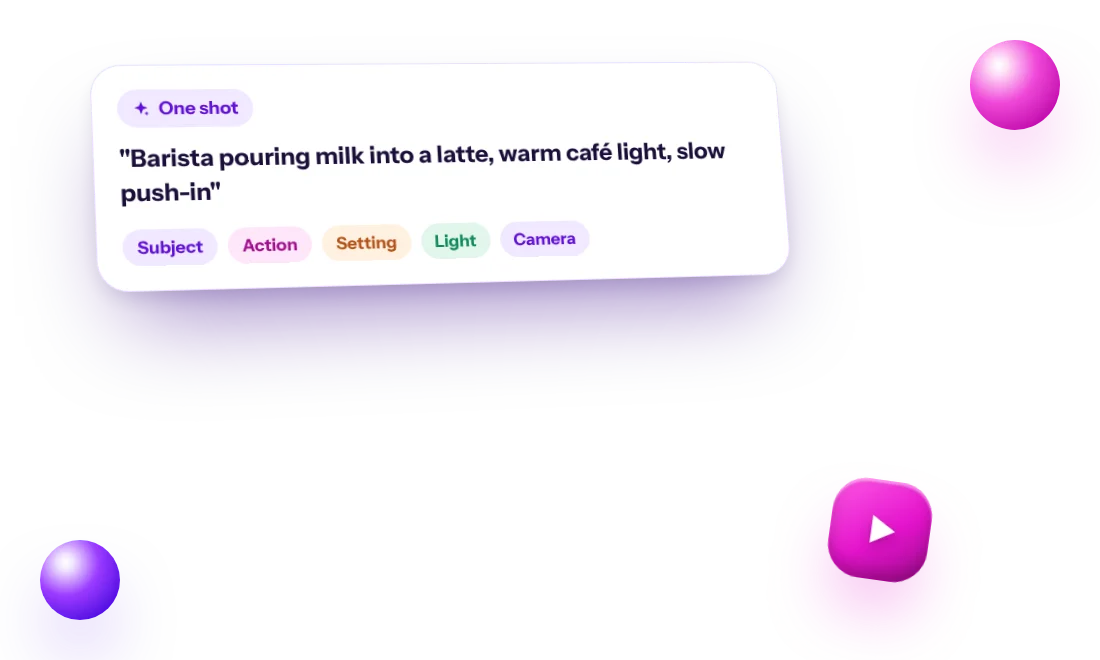
A good video prompt reads like a single camera shot. Cover these parts:
- Subject: who or what is on screen
- Action: one thing that happens (steam rises, a page turns, waves roll in)
- Setting: where it takes place
- Light and color: golden hour, soft studio light, neon at night
- Camera: slow push-in, orbit, overhead, handheld, static
Example prompts
Illustrations for different niches:
- Coffee shop: "Barista pouring steamed milk into a latte, forming a heart, warm café light, close-up, slow push-in."
- Real estate: "Sunlight moving across an empty modern living room with large windows, calm morning, slow pan left."
- Skincare: "A drop of serum falling onto a glass surface in slow motion, soft pink light, macro shot."
- Travel: "Waves rolling onto a quiet sandy beach at sunset, wide shot, gentle handheld movement."
How to use 8-second AI clips in Reels
Treat each clip as one strong shot. That makes it useful in a few repeatable formats:
- Visual hook: the clip plays while on-screen text states the hook
- Background for a tip: put a short tip on top of a calm, looping scene
- Product mood: show the feeling around a product, then link to real photos
- Series: one clip per day on the same theme, with the same style words
Example: a Reel from one sentence
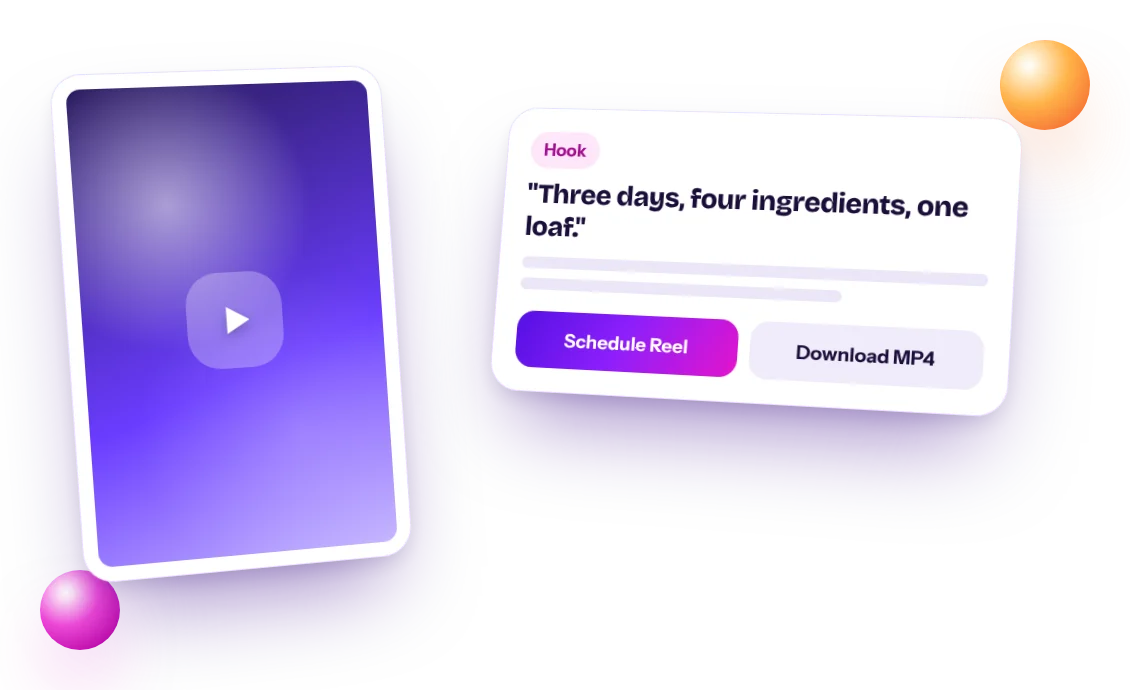
Idea: a bakery wants to promote its weekend sourdough. Prompt: "Hands breaking open a crusty sourdough loaf, steam rising, warm dawn light, slow push-in." On-screen text: "Why our sourdough takes 3 days." Caption hook: "Three days, four ingredients, one loaf." The agent drafts the full caption with a call to action and hashtags, and you edit it before approving.
Text to video vs image to video: which should you use?
AI Agent Help offers two ways to make a video. Text to video creates the whole clip from your description. Image to video starts from an image you made in the Studio and animates it.
Use text to video when you want speed and are happy for the AI to decide the exact look. Use image to video when the look matters: you can approve the still image first, then add motion, so the colors, subject and framing stay the same. Both cost 60 credits per clip and produce vertical videos of around 8 seconds.
- Text to video: quick ideas, mood clips, testing a concept
- Image to video: a consistent feed style, product scenes, turning a strong post into a Reel
Mistakes to avoid with AI video
- Describing several scenes in one prompt. The model will blend them or pick one.
- Asking for text, logos or brand names on screen. Add text in the Instagram editor instead.
- Expecting exact likenesses of real people. Stick to original subjects.
- Fast, complex motion. Slow, simple camera moves tend to look more natural.
- Expecting a specific song. The video comes with its own sound; add a track or voiceover in Instagram or TikTok if you want one.
- Changing everything between renders. If a result is close, adjust one detail at a time so you learn what works.
Can I post text to video clips on TikTok, YouTube and Facebook?
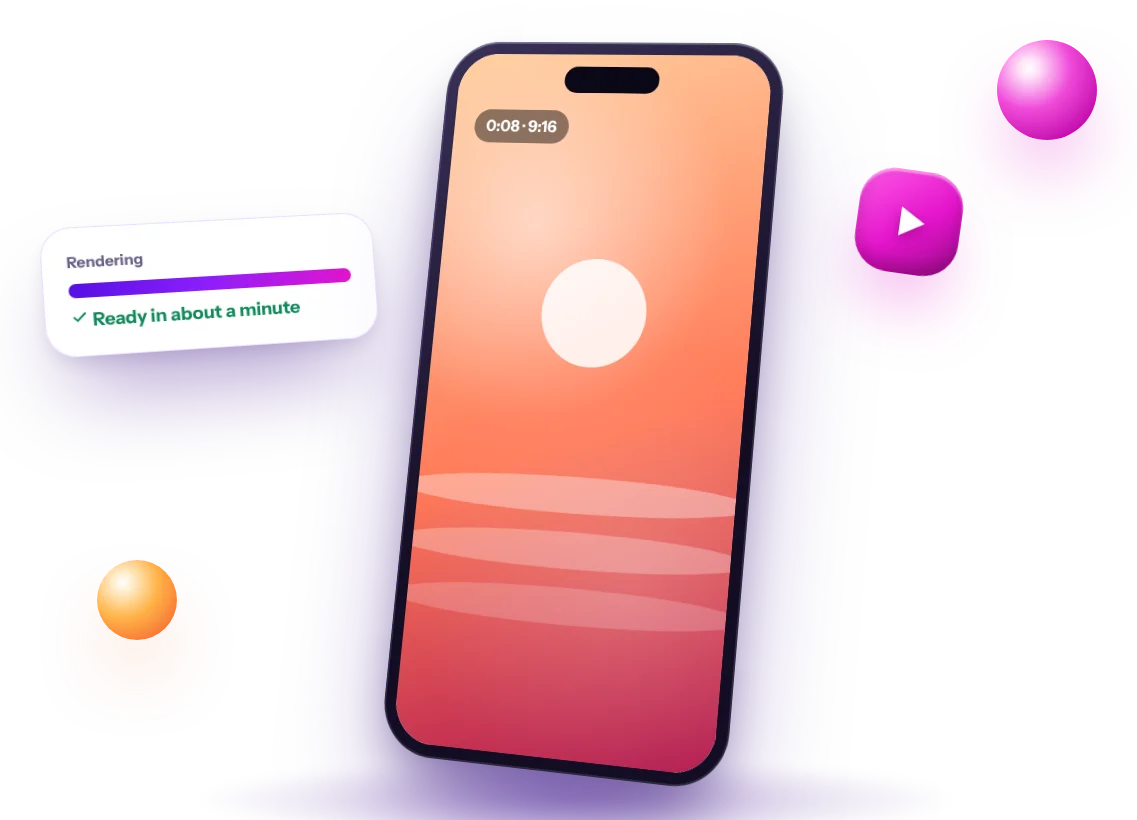
Yes, by downloading them. AI Agent Help auto-publishes only to Instagram, through Instagram's official API. For other platforms, download the video from the Studio and upload it in that app.
Since the clip is vertical 9:16, it fits YouTube Shorts and TikTok without cropping. Write a separate title or caption for each platform so it reads naturally there.
Text to video pricing and credits in AI Agent Help
Video is part of the paid plans. A video costs 60 credits with Grok Imagine, 70 with Kling and 100 with Google Gemini Omni (most realistic), and credits are only used if the video works. Starter has a 7-day free trial at $0 with 150 credits. Starter is $19/month with 1,428 credits, Professional is $39/month with 2,857 credits and Business is $79/month with 5,714 credits. Annual billing saves 20%, and you can cancel anytime from the billing portal.
Starter's 7-day free trial includes 150 credits for captions, images and video, and the free account has seven free AI tools such as the Reel hook generator and content idea generator, so you can plan your Reels before you pay.