Instagram auto posting

Auto post to Instagram, on time, every time

Set the date and time once and your post publishes automatically, whether you're asleep, travelling or busy with customers. Feed posts, Reels and Stories are all supported.

  • Real auto-publishing, no phone needed
  • Posts, Reels and Stories
  • Official Instagram API

7-day free trial · $0 today · Official Instagram API

How it works

  1. 1

    Create or upload your post

    Generate it with AI in the Studio.

  2. 2

    Pick a date and time

    Or choose Publish now.

  3. 3

    It goes live automatically

    Through Instagram's official API, no reminders or phone notifications needed.

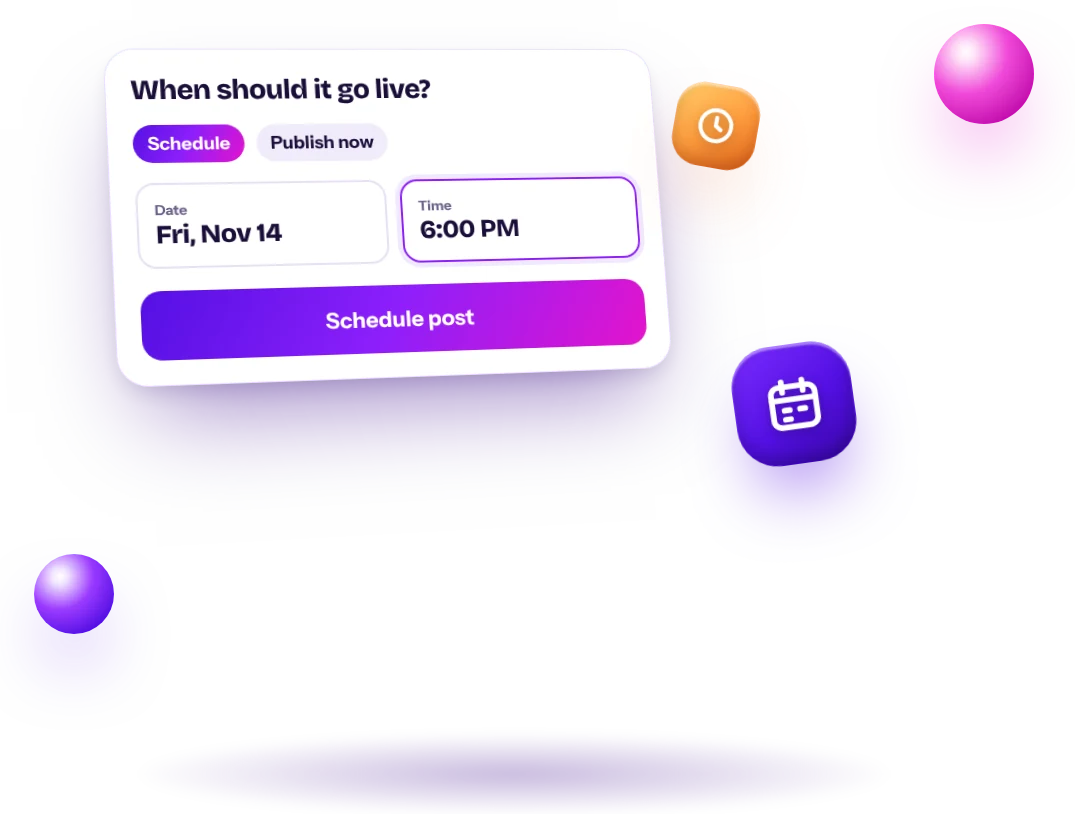
Date and time picker for scheduling an Instagram post
01

Set the date and time once

Choose Schedule, pick a day and time, and you're done. There's no reminder to tap and no notification to finish the post on your phone: AI Agent Help publishes it for you at the exact time you chose.

  • Schedule or publish now
  • Your local time
  • Takes seconds
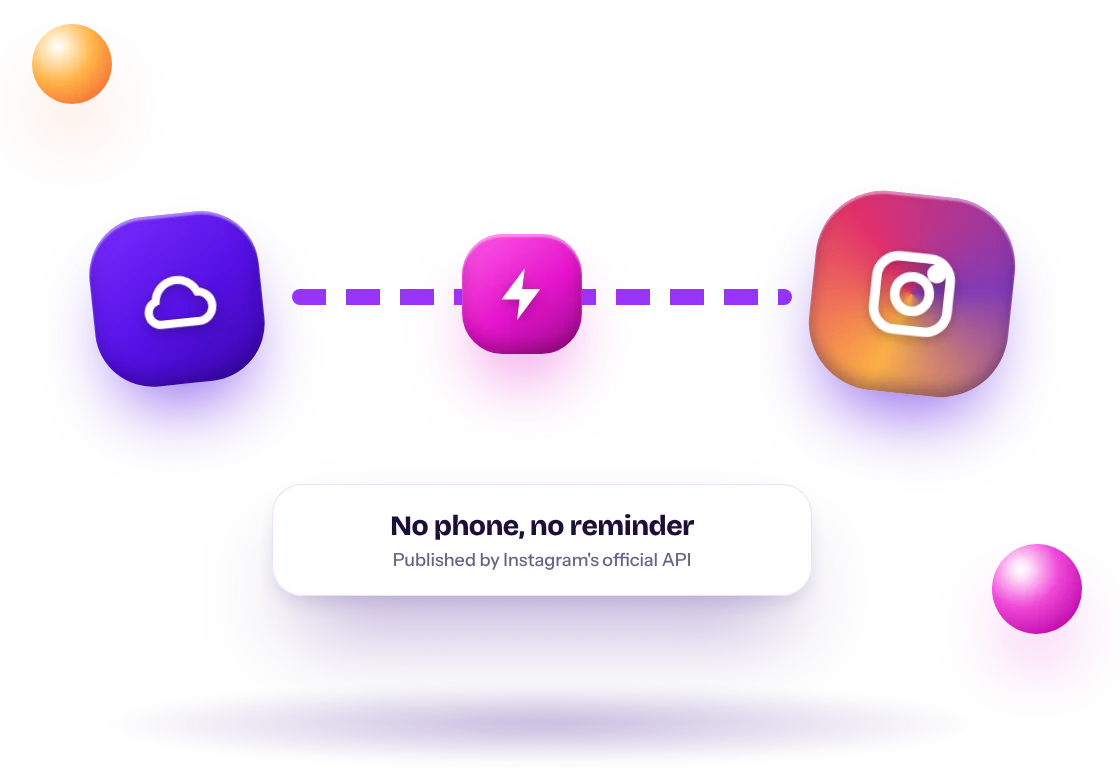
Cloud server publishing directly to Instagram without a phone
02

It publishes even when your phone is off

Your post is sent to Instagram through its official API, straight from our servers. You can be asleep, on a plane or with customers: the post still goes live on time, exactly as you created it.

  • Official Instagram API
  • No reminders or push notifications
  • Works while you're offline
Start your 7-day free trial
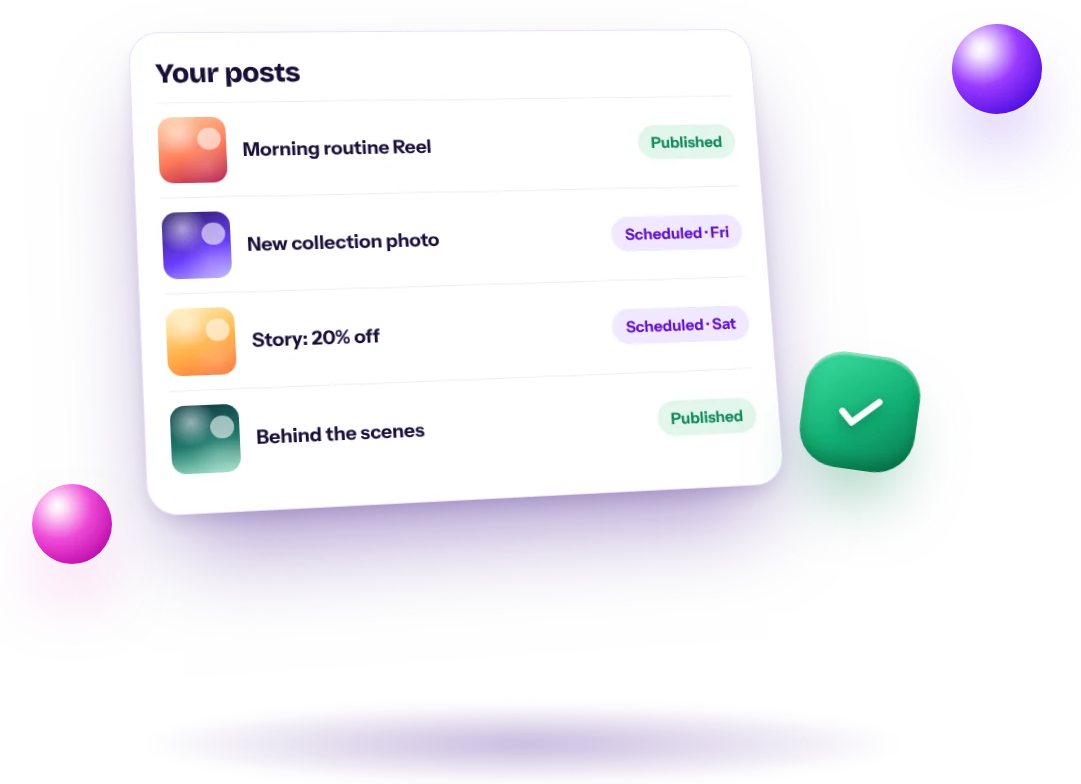
List of Instagram posts with Published and Scheduled statuses
03

Always know what's live and what's next

Every post shows its status: scheduled, published or needs attention. If Instagram rejects something, you see why, fix it and schedule it again, so nothing silently fails.

  • Clear statuses
  • See errors and fix them
  • Cancel any time before publishing
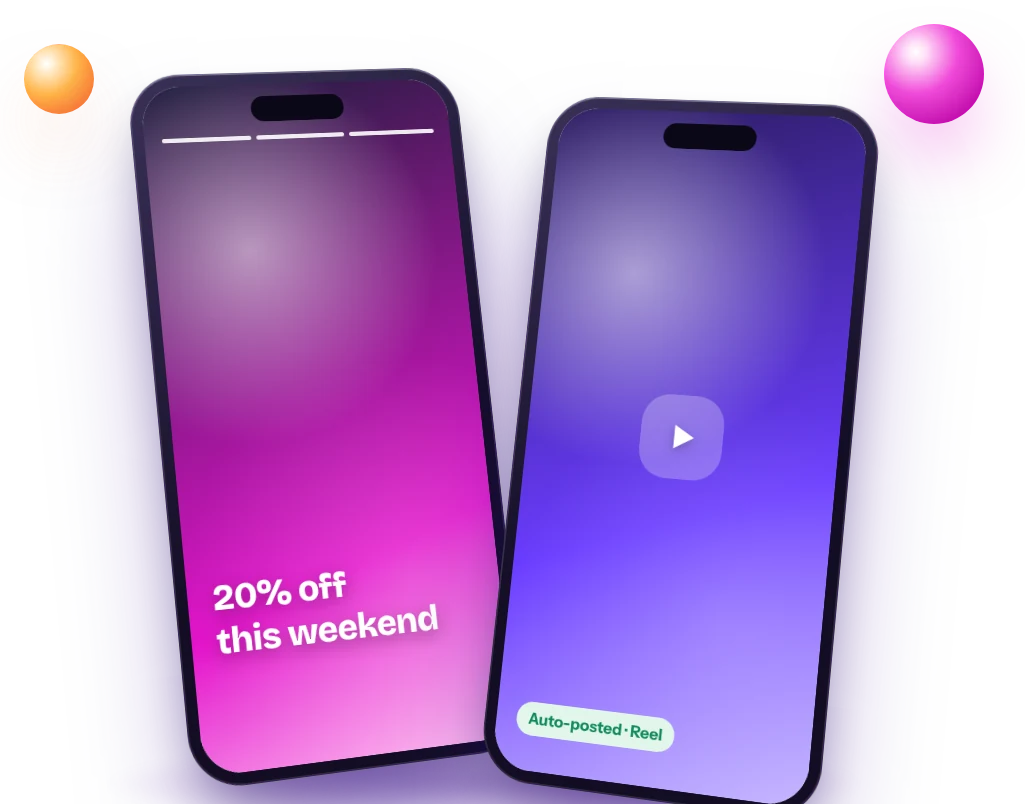
Instagram Story and Reel published automatically on two phones
04

Reels and Stories auto-post too

Many tools only auto-post feed photos. AI Agent Help publishes Reels and Stories automatically as well, so your Story promo and your weekend Reel go out on time without you opening Instagram.

  • Reels auto-posted
  • Stories auto-posted
  • Feed posts and carousels
Start your 7-day free trial

Frequently asked questions

Does auto-posting really publish without my phone?

Yes. Posts are published directly by Instagram's API at the scheduled time.

What account type do I need?

A Business or Creator account. Both are free to switch to in the Instagram app.

Can I auto-post Stories?

Yes. Stories are supported along with feed posts and Reels.

Can I auto post to Instagram for free?

Meta Business Suite lets you schedule for free. AI Agent Help adds AI content and auto-publishing of Reels and Stories, with a 7-day free trial on Starter.

Can I auto post Reels?

Yes. Reels are published automatically at the time you choose, with their caption.

Can I auto post from my computer?

Yes. Everything works in the browser on your computer or phone, and posts publish from our servers.

Can I auto post to a personal account?

No. Instagram only allows auto posting to Business or Creator accounts.

Do I need to keep my computer on?

No. Scheduled posts are published by our servers through Instagram's API.

Can I auto post carousels?

Today AI Agent Help publishes single-image posts, Reels and Stories.

Real auto-publishing

No push notification to finish the post on your phone.

Reels and Stories too

Not just feed images.

Status updates

See which posts are scheduled, published or need attention.

Cancel anytime

Change your mind? Cancel a scheduled post in one click.

How to auto post to Instagram, step by step

  • Switch your Instagram to a Business or Creator account (free, in the Instagram app settings)
  • Connect it to AI Agent Help with Meta's official login. We never ask for your password
  • Create the post with AI or upload your own photo or video
  • Choose Schedule, pick the day and time, and confirm
  • At that time it is published automatically. Your phone can be off

Can you auto post Instagram Stories?

Yes, on Business and Creator accounts. Schedule a Story image or a short Story video and it goes live at the set time, like a feed post. Interactive stickers such as polls and links still have to be added in the Instagram app, because the API doesn't support them.

Apps that auto post to Instagram

Most tools that auto post to Instagram use the same official API. What changes is what they do before posting:

  • Meta Business Suite: Meta's free scheduler for Facebook and Instagram. Basic, no content creation
  • General social media schedulers (such as Buffer or Later): good for teams posting the same content to many networks
  • AI Agent Help: creates the Reels, photos, Stories and captions with AI, then auto-publishes them, so you go from idea to posted in one place

Is it safe to auto post to Instagram?

Yes, when the tool uses Instagram's official API and Meta's login, like AI Agent Help. Avoid apps that ask for your Instagram password or run on your phone pretending to be you: those break Instagram's rules and can get your account restricted.

Auto posting vs reminder-based scheduling

Some schedulers don't actually publish for you: they send a phone notification at the scheduled time and you finish the post in the Instagram app. True auto posting publishes the post directly through Instagram's API, so nothing depends on you being at your phone. AI Agent Help uses direct publishing for feed posts, Reels and Stories.

What you need for auto posting

  • An Instagram Business or Creator account (both free)
  • Your account connected through Meta's official login
  • A finished post: an image for feed posts and Stories, a video for Reels
  • A caption of 2,200 characters or fewer

Best times to auto post

There isn't one best time for every account. A practical approach: start with late morning, lunchtime and early evening in your audience's time zone, keep it consistent for two weeks, then look at which posts reached the most people in your analytics and shift your times toward them.

How to fill your auto-post queue

Batch once a week

Create five to seven posts in one session. It's faster than doing one a day.

Mix formats

Alternate Reels and feed posts, and add Stories for timely updates.

Keep a buffer

Try to have the next week scheduled before the current one ends, so a busy week doesn't break your streak.

Checking that posts went live

Your posts page shows each post as scheduled, published or failed. Published posts usually appear on Instagram within a minute or two of the scheduled time. If a post fails, the most common reasons are a disconnected account or a caption over the limit.

Create, schedule and grow with AI Agent Help.

Start your 7-day free trial
Start free7-day free trial · $0 todayStart free