Instagram scheduler

The Instagram scheduler that also creates your posts

Most schedulers only post what you've already made. AI Agent Help creates the post too: caption, hashtags and visual, then schedules it. Your whole week can be planned in one sitting.

  • Create and schedule in one place
  • Posts, Reels and Stories
  • Publishes automatically, on time

7-day free trial · $0 today · Official Instagram API

How it works

  1. 1

    Create with AI

    Describe your post: the AI writes the caption and hashtags and makes the image or Reel.

  2. 2

    Pick a date and time

    Drop it into your calendar at the day and time you want, in your own time zone.

  3. 3

    It publishes automatically

    Your post goes live on Instagram on time, while you get on with your day.

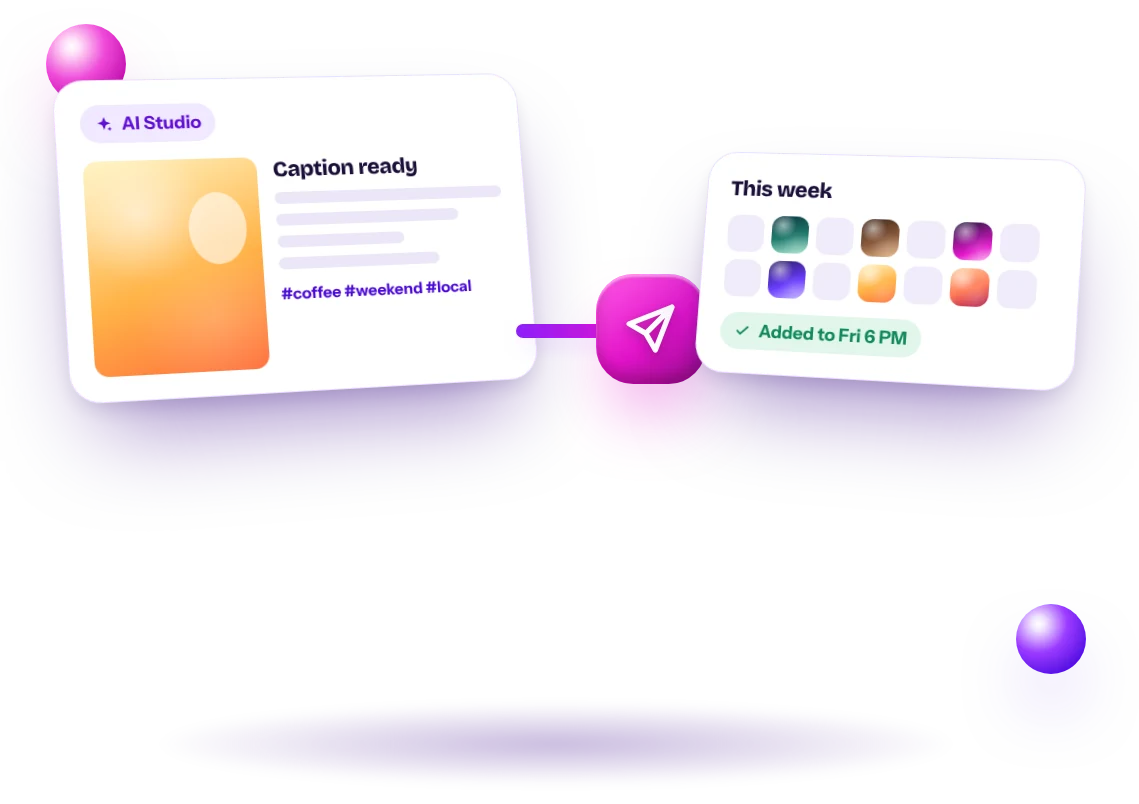
AI Studio creating a post with caption and hashtags, then adding it to the weekly calendar
01

Create the post and schedule it in the same place

Other schedulers wait for you to bring a finished post. AI Agent Help writes the caption and hashtags, creates the image or Reel, and adds it to your calendar in the same flow. No exporting, no copying between apps, no lost drafts.

  • AI caption and hashtags
  • AI image or Reel
  • One click to schedule
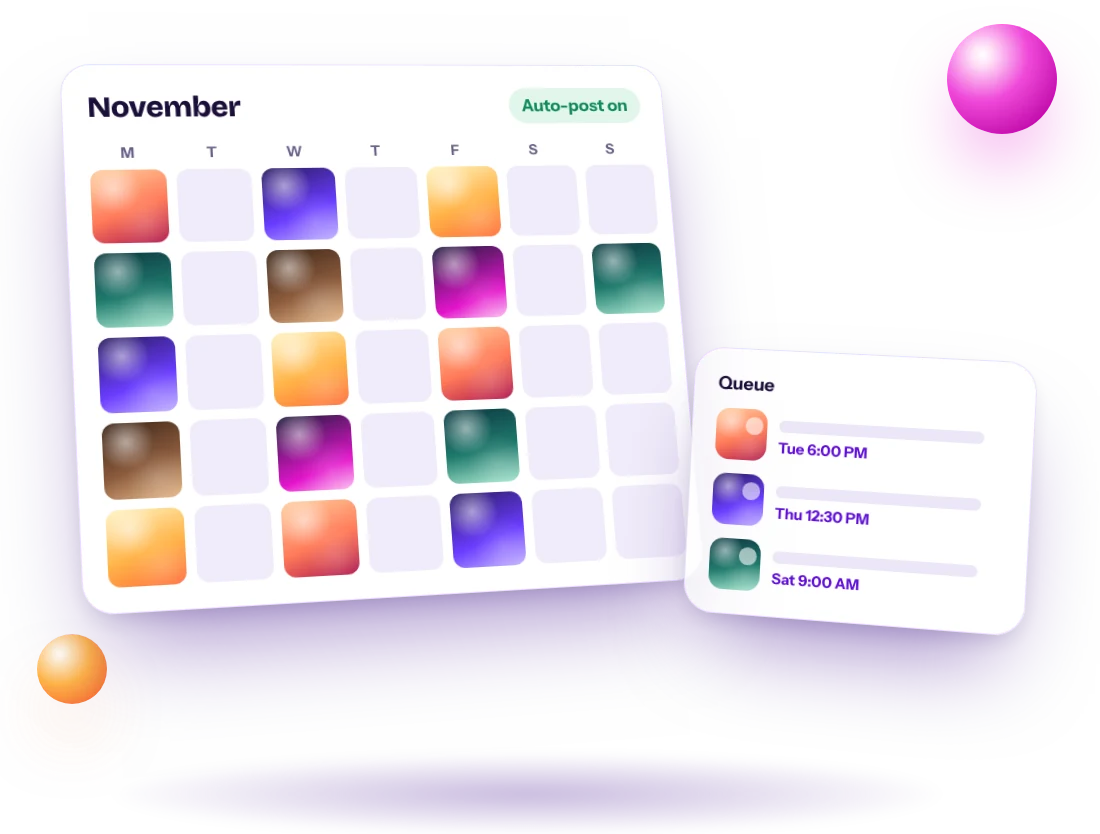
Instagram content calendar for November with scheduled post thumbnails and a queue
02

See your whole month at a glance

Your calendar shows every scheduled post, Reel and Story by day, with a thumbnail, so gaps are easy to spot. The queue lists what's going out next and when, so you always know what your followers will see this week.

  • Month calendar with thumbnails
  • Queue of upcoming posts
  • Spot empty days instantly
Start your 7-day free trial
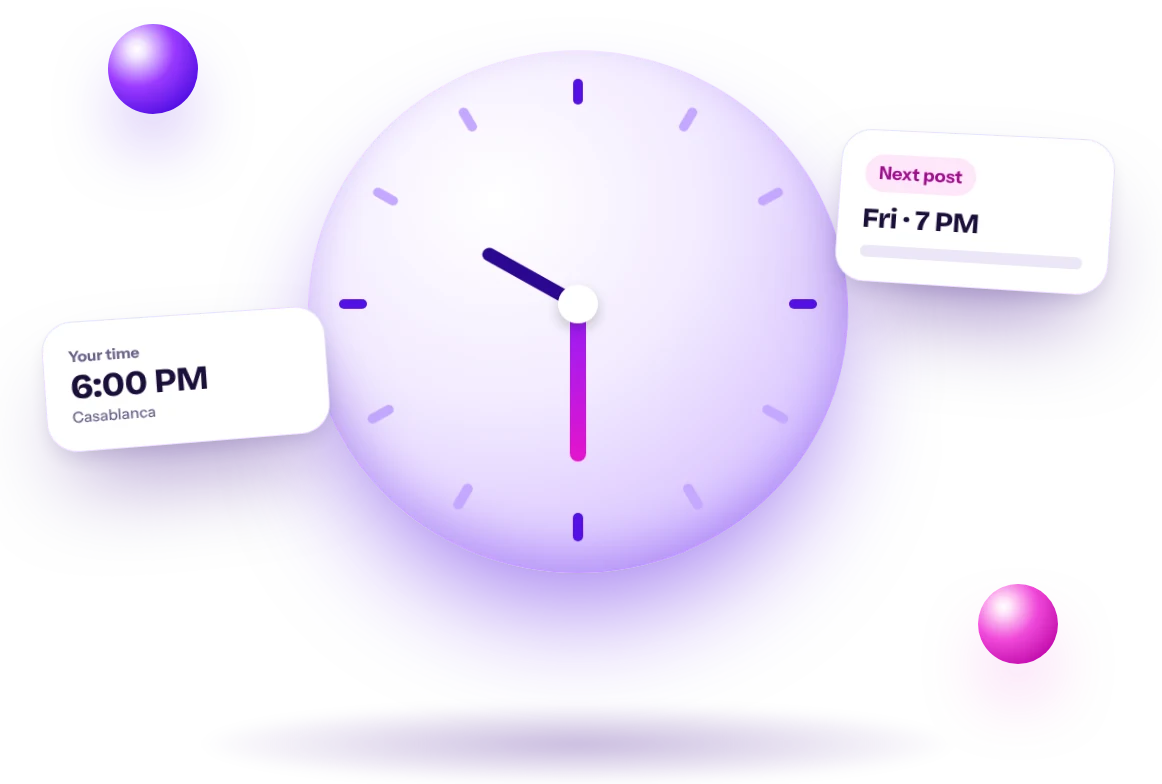
3D clock with the next scheduled Instagram post time
03

Posts go out at your local time

Pick a date and time and it's saved in your own time zone, wherever you are. Plan a week or a month in one sitting, then get back to your business while your posts publish on their own.

  • Your time zone, automatically
  • Plan weeks ahead
  • Change or cancel before it goes live
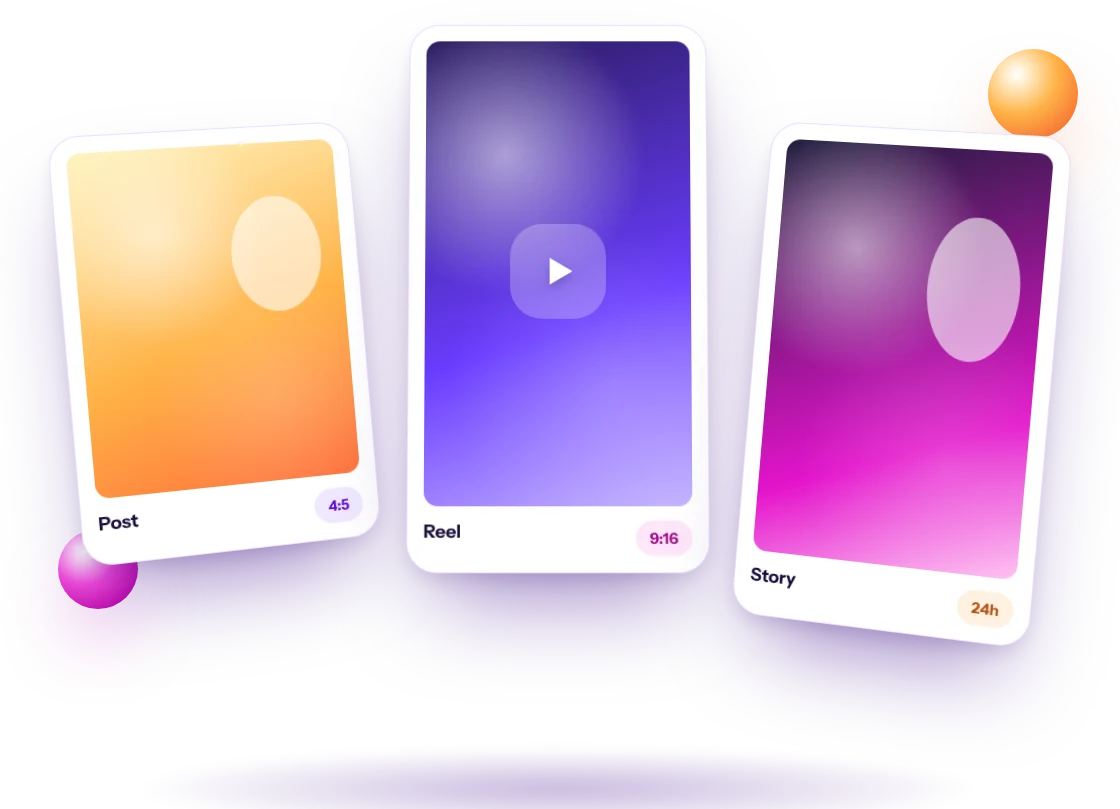
Instagram post, Reel and Story cards side by side ready to schedule
04

Schedule every format: posts, Reels and Stories

Feed posts are sized 4:5, Reels and Stories 9:16, so nothing gets cropped. Mix formats in the same calendar to keep your account varied, which is what both followers and the algorithm reward.

  • Feed posts 4:5
  • Reels and Stories 9:16
  • All in one calendar
Start your 7-day free trial

Frequently asked questions

How far ahead can I schedule?

As far ahead as you like. Many users plan one to four weeks at a time.

Can I edit a scheduled post?

You can cancel a scheduled post and create a new version at any time before it publishes.

Is scheduling free?

Yes. Scheduling and publishing don't use credits on any plan.

Which time zone are posts scheduled in?

The date and time you pick are in your device's local time zone.

Can I reschedule a post?

Cancel the scheduled post and schedule it again at the new time.

Queue and calendar

See everything scheduled, grouped by day.

AI creation built in

No exporting from other apps.

Posts, Reels, Stories

Schedule every format.

Timezone aware

Posts go out at your local time.

Why schedule Instagram posts?

  • Post at the times your audience is online, not when you happen to be free
  • Stay consistent during busy weeks, holidays and travel
  • Plan campaigns and launches in advance
  • Spend less time in the app and more time on your business

How to schedule a post with AI Agent Help

  • Open the Studio and choose Post, Reel or Story
  • Describe the post and write the draft
  • Generate the image or video
  • Choose Schedule and pick a date and time
  • Find it in your posts queue, where you can cancel it before it publishes

What makes this scheduler different

Most schedulers expect you to arrive with finished content. AI Agent Help creates the content in the same place you schedule it, so planning a week doesn't require a design app, a video editor and a caption tool. It focuses on Instagram, so every format is built for Instagram's sizes and rules.

Building a posting schedule

Starter schedule

Three posts a week: one Reel, one tip or value post, one about your offer or story.

Growth schedule

Five posts a week with two or three Reels, plus Stories most days.

Launch schedule

Teasers a week before, a Reel and a post on launch day, and reminders in Stories.

Scheduling mistakes to avoid

  • Scheduling and forgetting: still reply to comments when posts go live
  • Posting at the same minute every day for months without checking results
  • Scheduling time-sensitive offers too far ahead without double-checking dates

Create, schedule and grow with AI Agent Help.

Start your 7-day free trial
Start free7-day free trial · $0 todayTry Instagram scheduler