What is an Instagram AI agent?
An Instagram AI agent is software that does the repetitive parts of running an account for you: drafting captions, making visuals, choosing hashtags and publishing at the right time. Unlike a single-purpose caption tool, an agent handles the whole loop from idea to published post.
AI Agent Help keeps you in control. Nothing is published until you approve it, and you can edit every caption and regenerate any image or video.
Who it's for
- Creators who want to post daily without spending hours in editing apps
- Small businesses and shops that need steady, on-brand content
- Agencies and freelancers who manage content for clients
- Personal brands, coaches and consultants growing an audience
How an Instagram AI agent is different from a caption tool
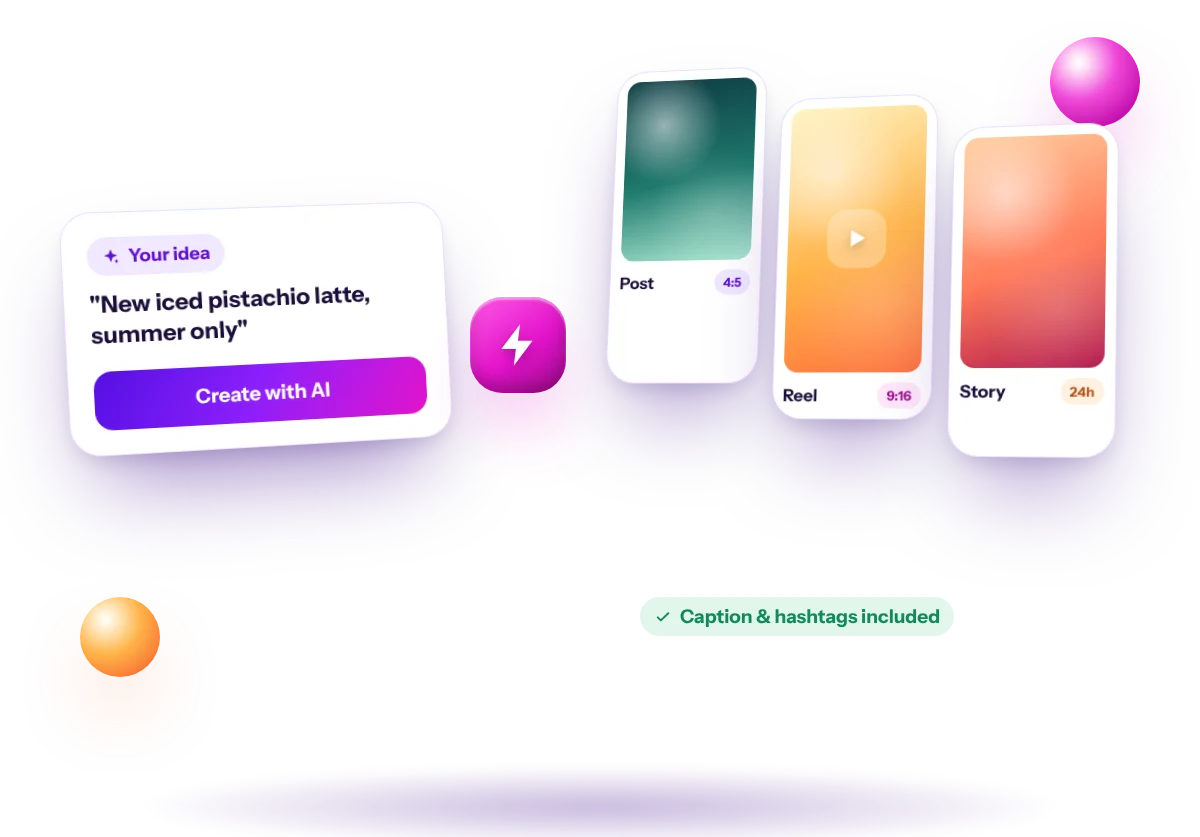
A caption generator gives you text. A scheduler posts what you already made. A design app makes visuals. An Instagram AI agent connects all three: it takes one description of what you want to post and carries it through every step, from the first line of the caption to the moment the post goes live.
That matters because most of the time spent on Instagram isn't creative work, it's switching between apps, resizing images, copying captions and remembering to post. Removing those steps is where the agent saves you the most time.
What you can ask the agent to make
Feed posts
A 4:5 portrait image with a caption, hashtags and a call to action. Good for products, tips, announcements and quotes.
Reels
A short vertical video of around 8 seconds with an on-screen hook and a caption. Good for reach, product reveals and quick tips. You can also animate an image you made into a Reel.
Stories
A full-screen 9:16 visual for offers, reminders and behind-the-scenes moments. Stories don't show captions, so the message goes into the visual.
Example: one sentence to a scheduled post
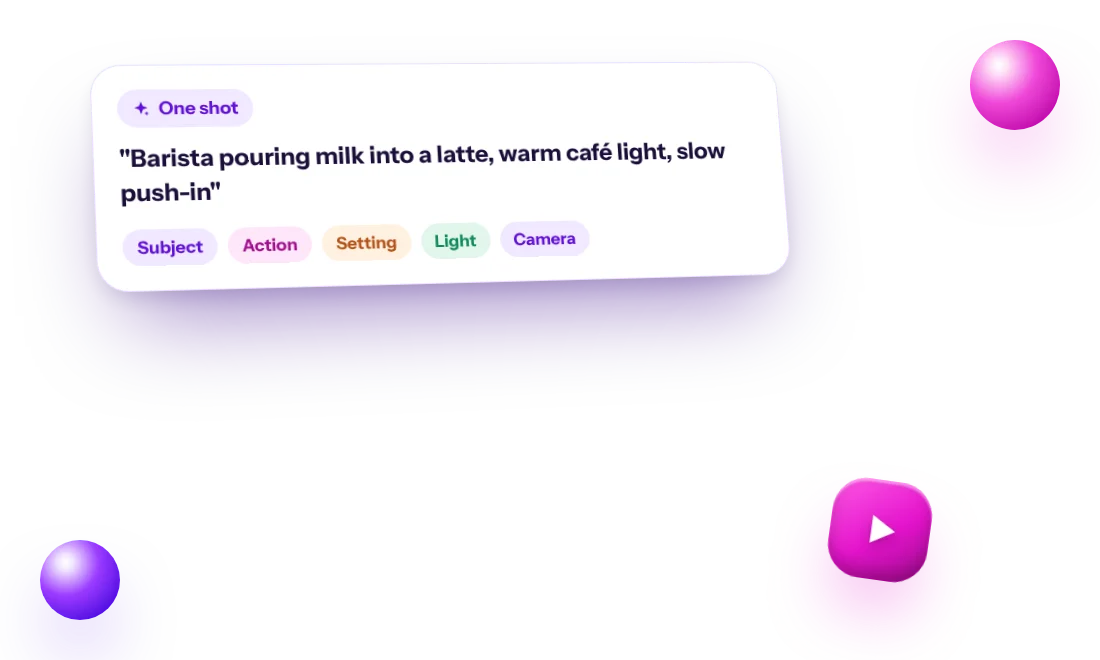
Say you run a small coffee shop and type: 'New iced pistachio latte, available from Monday, only during summer.' The agent writes a caption that opens with a hook, explains the drink in two or three short lines, ends with an invitation to visit, and adds hashtags that mix broad coffee tags with local ones. It also writes a visual description, for example a close-up of the drink on a marble counter in morning light, which becomes the image. You read it, change a word or two, and schedule it for Monday at 8 am.
How to get the best results from your AI agent
- Be specific: names, prices, dates, places and who the post is for
- Save a brand voice with two or three adjectives and words to avoid
- Edit the visual description to control lighting, framing and style
- Add one real detail to each caption: a customer question, a number, a story
- Batch-create a week of posts in one sitting, then schedule them
- Reply to every comment, yourself or with Auto Comments; conversations build trust
Is an Instagram AI agent safe to use?
Safety depends on how a tool connects to your account and what it does there. AI Agent Help connects through Meta's official login and publishes through Instagram's official API. It never asks for your password. Auto-DM and Auto Comments only reply to people who interact with your own posts, and only when you switch them on.
What it costs
You can start with a free account and 15 credits. A caption uses 1 credit, an image 5 and a Reel video 60. Paid plans start at $19 per month and include AI video, with 20% off when you pay yearly.